
Download
Try every feature for 7 days.
The trial is the full app: RAM, history, app history and reports. When the 7 days are up, choose a pack to keep using it.
Requirements
- A Mac with Apple silicon (M-series chip).
- macOS 26 or later.
- About 7 MB for the app. History storage varies with recorded time and app activity; older history uses compact daily summaries.
Installing
Already using Macometr? Don’t install a second copy. In Macometr, open the gear (Settings) menu and choose Check for Updates…. Your history, licence and settings stay, and the updated app may keep the file name Macometr.app.
- Open the download. Double-click the ZIP to unpack the app.
- Move the app to Applications. If an older copy of SystemStory.app is there, quit it first and choose Replace.
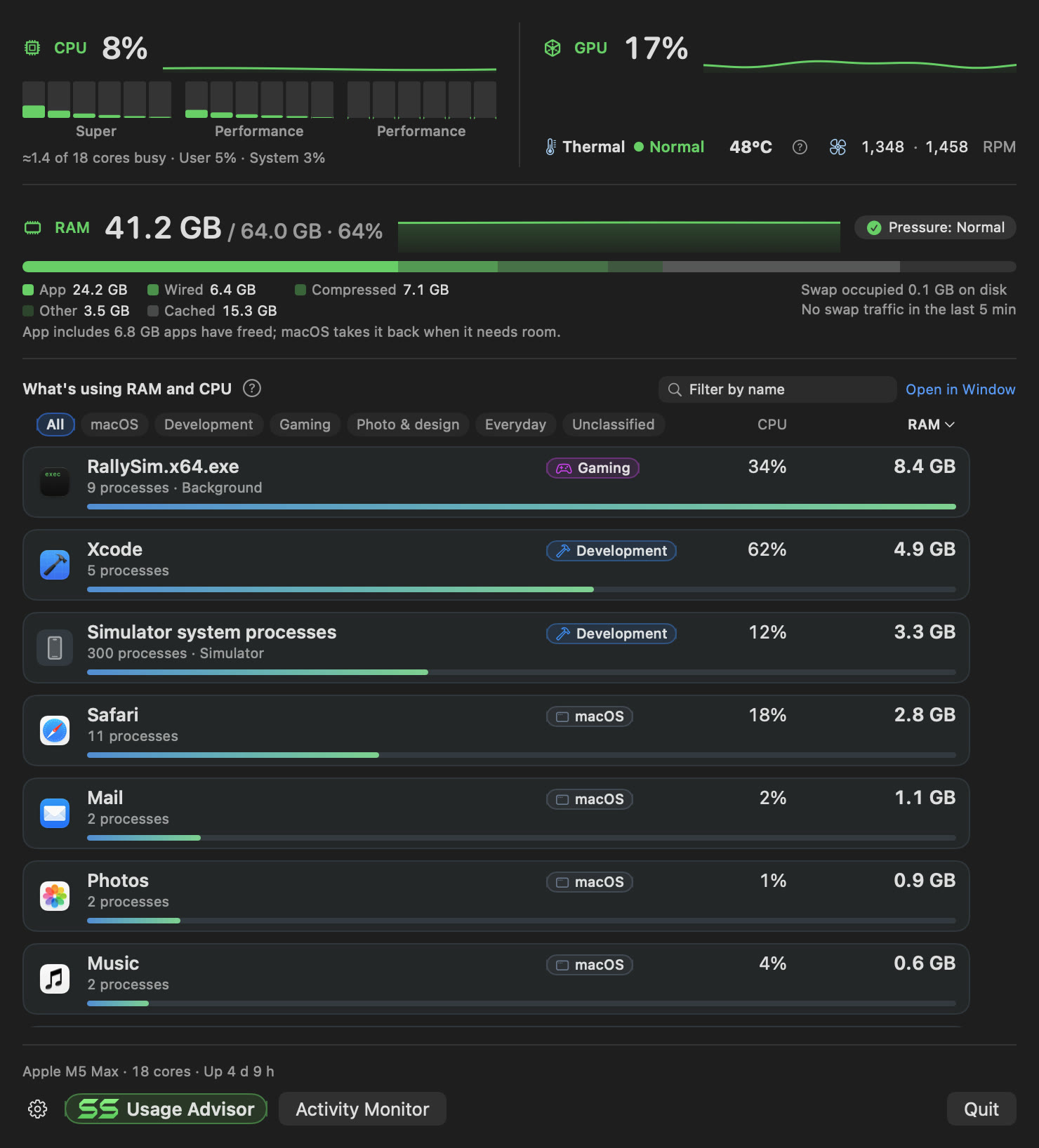
- Open the app. Its readings appear in the menu bar; click them for the panel.
- Start the trial or activate. Choose Start 7-Day Free Trial, or enter the licence key you bought.
- Choose what to record. Usage history is on; app history is off until you turn it on in the history window.
Updating keeps your history and settings. The app upgrades its history file in place.